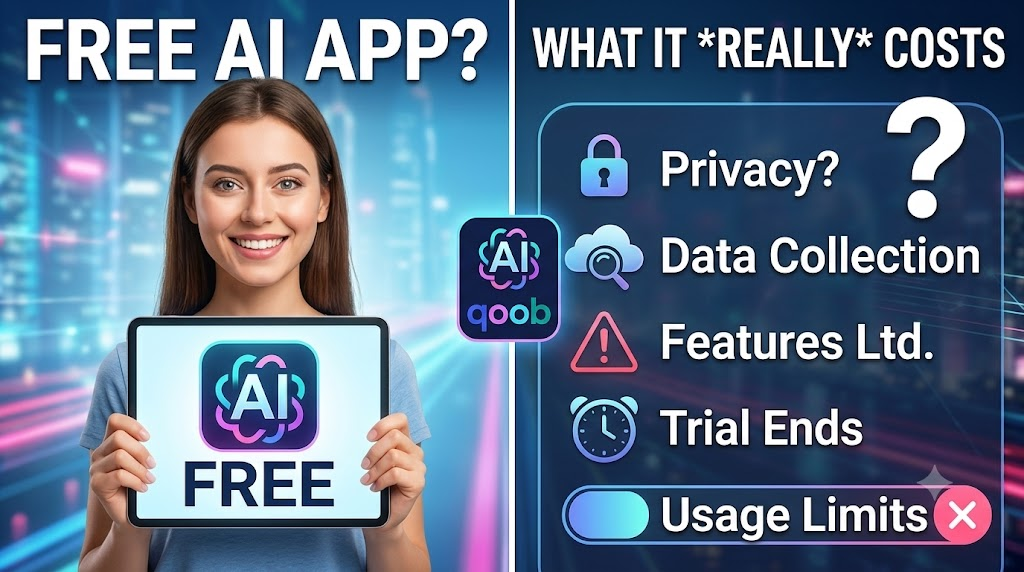
Free AI Apps are everywhere now. That sounds great at first. You open an app, type a question, and start getting help right away. But “free” does not always mean full access, no tradeoffs, or no strings attached. In many cases, it means a limited version of a product that is meant to guide you toward paid use later.That is why it helps to look closely at what free really includes before you rely on it every day. If you are comparing tools, the best AI apps page is a useful place to start because it helps you think about features, limits, and how the product fits your real needs.
This kind of check is simple, but it saves time. It also helps you avoid building a workflow around an app that cannot support it.
What “free” usually means in AI Apps
In most cases, free access means one or more limits are in place. The app may still be useful, but it may not give you the full experience.Common free plan limits include:- Fewer daily requests
- Slower response times
- Limited file uploads
- Smaller memory or history access
- Fewer advanced features
- Watermarks or branding on outputs
- Restricted support options
Free is often a trial of the paid product
Many AI Apps use the free version as an entry point. The goal is to let you test the product before you upgrade. That is not unfair. It is a normal business model. The key is to know that the free tier may not be designed for heavy or long-term use.Why free AI Apps can still be useful
A free plan is not automatically bad. In fact, it can be helpful in several ways.Good for testing
Free access lets you test the interface, the response quality, and the speed before you commit. That is useful when you are comparing tools.Good for light tasks
If you only need an app for short questions, quick drafts, or simple summaries, a free tier may be enough.Good for learning
People new to AI Apps often want a low-risk way to explore. A free plan gives them time to understand what the tool can and cannot do.What to watch for before you use a free AI App
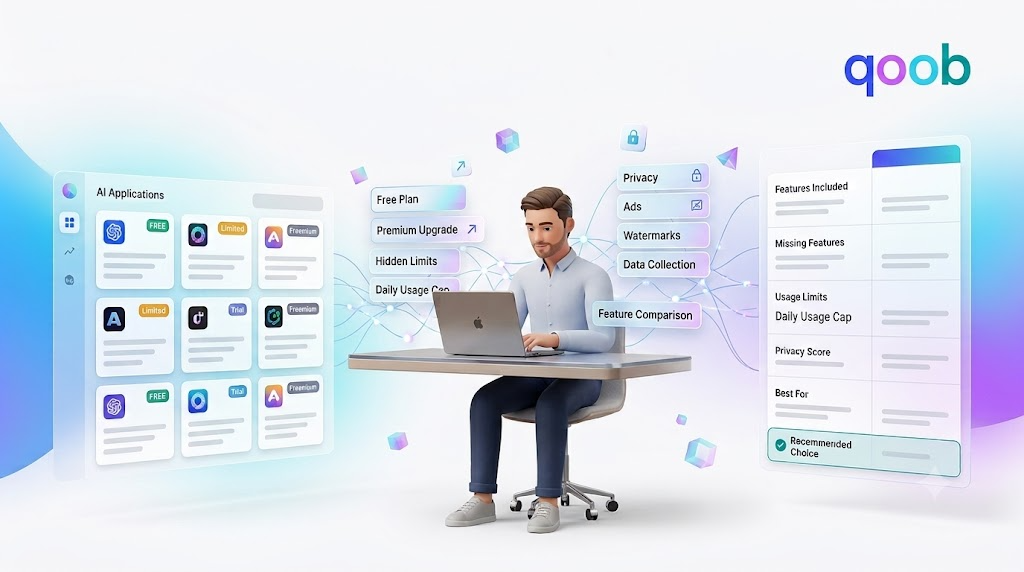
The word “free” can hide important details. Before you trust an app, look at the parts that affect your privacy, your time, and your workflow.1. Usage limits
Some apps let you use the tool a few times a day or a few times an hour. Once you hit the cap, you may need to wait or upgrade.This matters if you plan to use the app often. A tool that feels useful on day one may feel too limited by day three.2. Feature gaps
A free plan may leave out the strongest features. That could include longer context, better memory, file support, or advanced search.For many users, the app feels good at first because the basics work. The real difference shows up when the job gets more complex.3. Data and privacy rules
This is one of the biggest things to watch. Some free AI Apps collect more usage data than people expect. That may include prompts, activity history, or device details.Before you type anything sensitive, check how the app handles your data. The sign-in page can also be a reminder that account access often connects to saved settings, history, and usage patterns.4. Ads or upsells
Some free products use ads or repeated upgrade prompts to support the service. That does not make them unusable, but it can affect the experience.If the app keeps interrupting your work, the “free” version may cost you time instead of money.5. Output quality differences
Not all free plans use the same model or the same level of performance. A free version may be slower, less accurate, or less stable than the paid version.That is why it helps to test with real tasks, not just simple sample questions.A simple way to judge a free AI App
The best way to evaluate an app is to ask a few practical questions.| Question | What to check | Why it matters |
|---|---|---|
| How many times can I use it? | Daily or monthly limits | Helps you know if it fits your routine |
| What features are blocked? | Uploads, memory, speed, exports | Shows the real value of the free tier |
| What data is collected? | Prompts, history, account data | Important for privacy and trust |
| Are there ads or prompts to upgrade? | Visual clutter, pop-ups, nudges | Affects ease of use |
| Is the output good enough for my task? | Accuracy, clarity, speed | Tells you whether it is actually useful |
Why free is not always the cheapest option
A free app can still cost you in other ways. It may cost time, attention, or privacy.Time cost
If the app is slow, has strict limits, or keeps cutting you off, you may spend more time managing the tool than using it.Attention cost
Ads, upgrade banners, and repeated prompts can break your focus. That may not matter for a casual user. It matters a lot if you use AI Apps during work.Privacy cost
If a free tool collects more data than you want to share, the real cost may be control over your information.That is why “free” should be read carefully. It is usually a tradeoff, not a gift with no conditions.What good free AI Apps should do well
A strong free plan does not need to do everything. It just needs to do the basics clearly and reliably.It should be easy to use
A good app should not make users work hard just to understand the interface.It should give useful answers
Even with limits, the tool should still provide helpful output for common tasks.It should explain its limits
Users should know what is included and what is not. Clear rules build trust.It should respect privacy
A good app should be honest about data use and give users some control.If a free app does these things well, it may be worth using even with limits.Where The Qoob fits into this
The Qoob is built around a more thoughtful search and AI experience, which is why it makes sense to compare it with other AI Apps before choosing one for regular use. The Qoob difference page is useful if you want to understand how the platform is framed and what sets it apart.That matters because free AI Apps are easy to try, but not all of them are built for long-term usefulness. A good tool should still feel clear, fast, and practical when the novelty wears off.How to test a free AI App the right way
Do not judge the app with one simple question only. Test it with the kind of work you would actually do.Try these kinds of prompts
- A short everyday question
- A comparison question
- A summary request
- A writing or rewriting task
- A question with some context
- A follow-up question after the first answer
Watch for repeat problems
If the app keeps making the same mistakes, that is a sign. If it struggles with context, gets slow, or hides features behind a paywall too quickly, you may want to move on.Free AI Apps and long-term use
The biggest question is not whether a free app works once. It is whether it keeps working well as your needs grow.Some people only need basic help, so a free tier is enough. Others need faster access, better memory, or more control. Those users may outgrow the free version quickly.That is why it helps to think ahead. A tool that fits today but fails tomorrow is not really a strong choice.Questions to ask before you commit
Use this quick list before making a decision:- Is the free version useful on its own?
- Are the limits reasonable?
- Can I do my main tasks without upgrading?
- Am I comfortable with the privacy terms?
- Is the tool easy to trust and easy to use?
FAQ
What does free mean in AI Apps?
It usually means limited access. The app may restrict usage, features, speed, or support in the free version.
Are free AI Apps safe to use?
Some are, but you should still check the privacy policy, data collection rules, and account settings before using them for anything sensitive.
Why do free AI Apps ask users to upgrade?
Many free products use the free tier to attract users and then offer paid plans for advanced features, more usage, or better performance.
Can a free AI App be enough for everyday use?
Yes, for light tasks it can be. If you need advanced features or heavy use, the free version may feel too limited.
What should I check first in a free AI App?
Look at usage limits, feature limits, data policy, and how well the app handles your real tasks.